Skip to content
ViralTap

One short video, the usual way

  • Find an idea
  • Write the script
  • Record a voice
  • Time the captions
  • Cut and edit
  • Pick the music

Hours of editing. Or one tap.

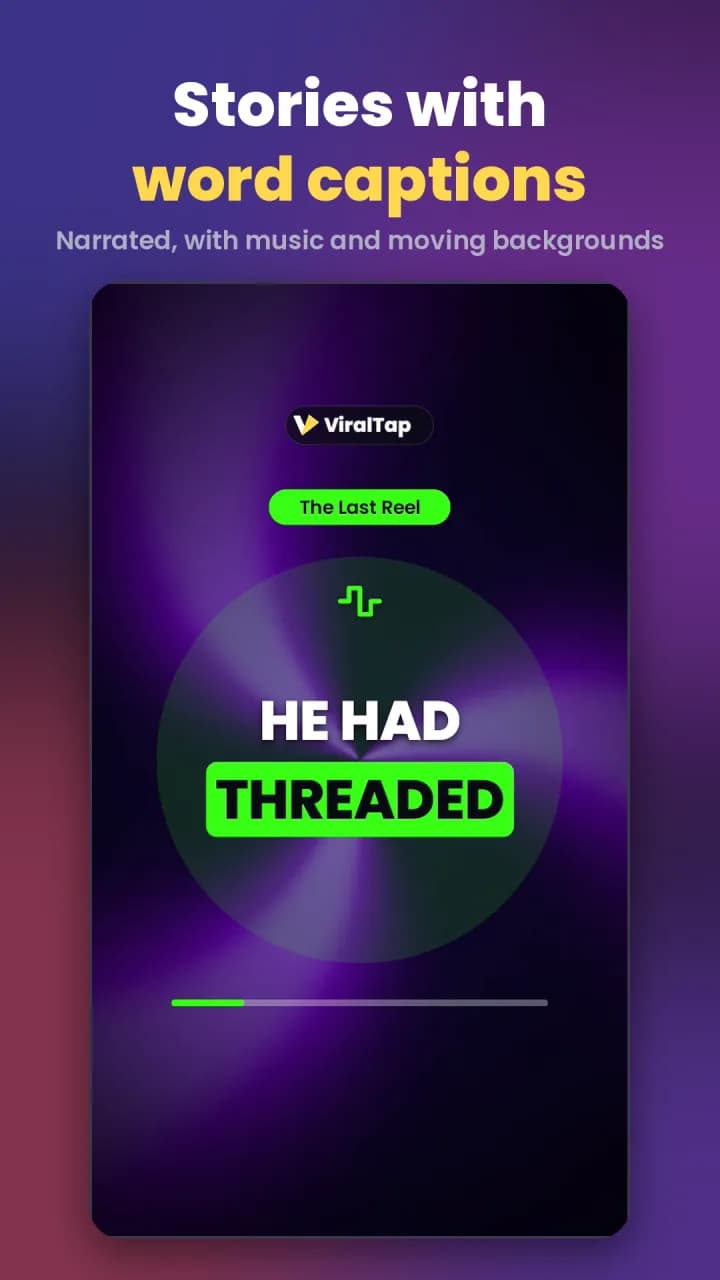
Pick a quiz, a story or a poll and tap once. ViralTap writes it, reads it aloud, lights up every word as it is spoken, adds music and hands you a vertical video ready to post. It takes about a minute, on your phone.

  • Free to start
  • No account
  • No camera, no face

14 formats · 133 styles · 10 languages · nearly 6,000 ready ideas

ViralTap on Product Hunt

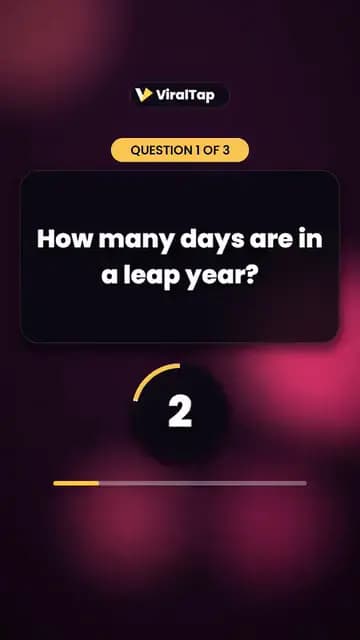
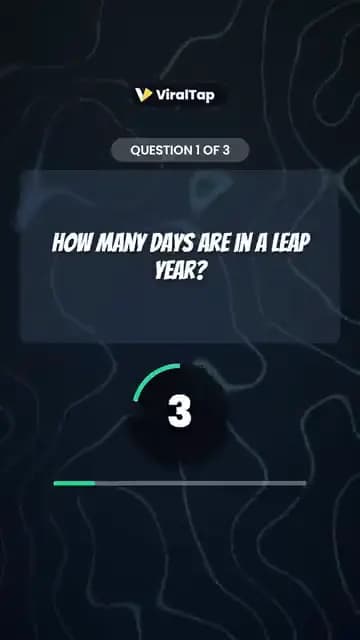
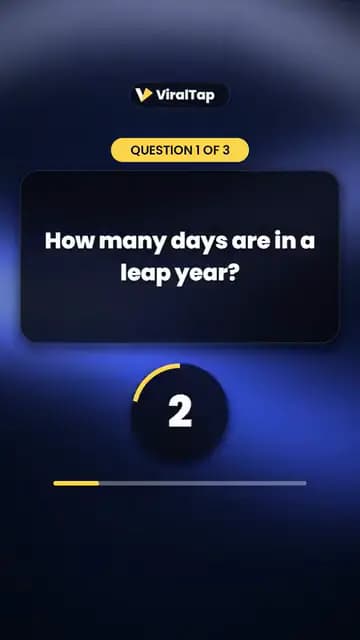
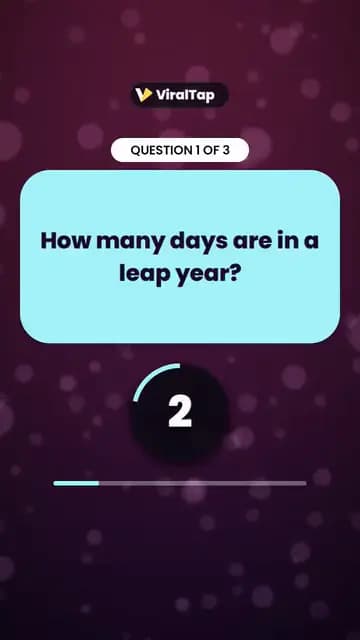
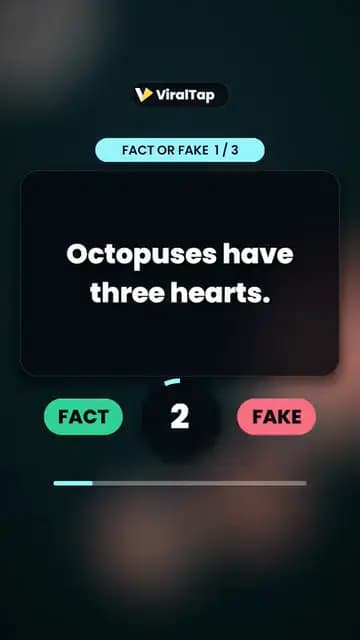
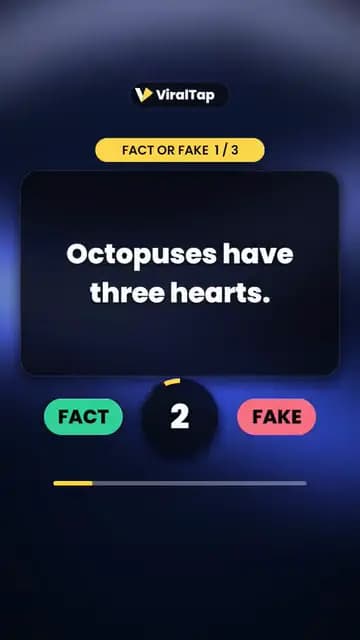
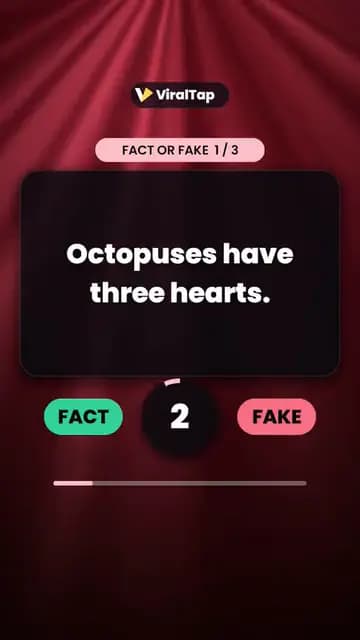
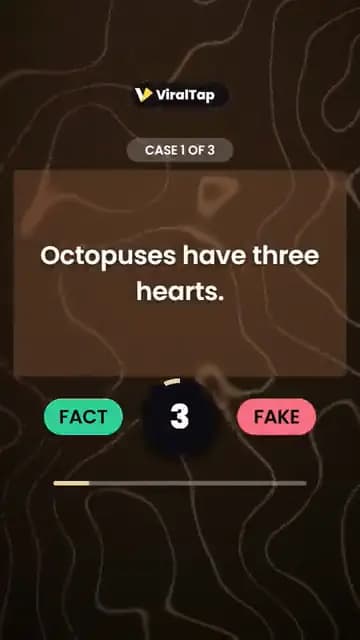
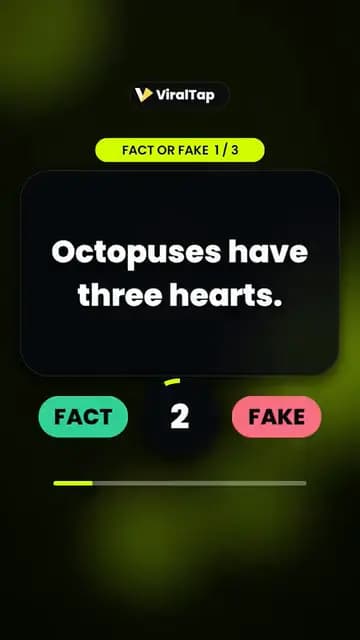
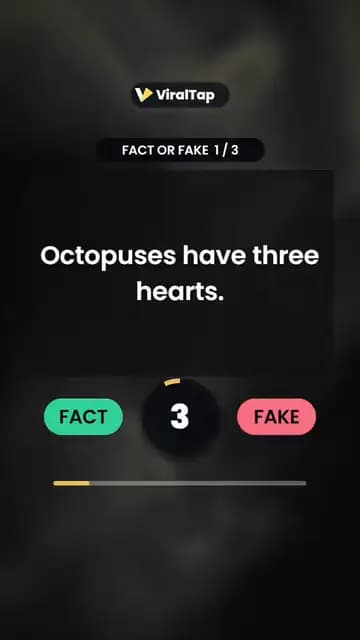
Think before you answer

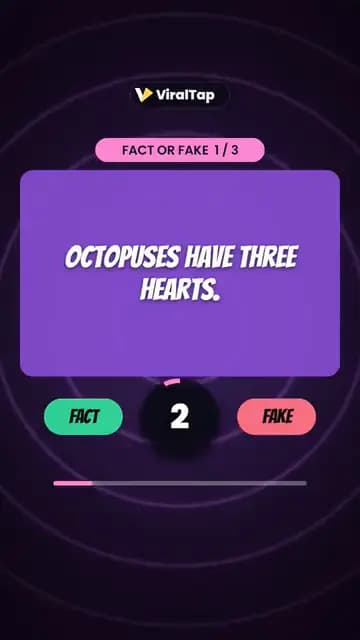
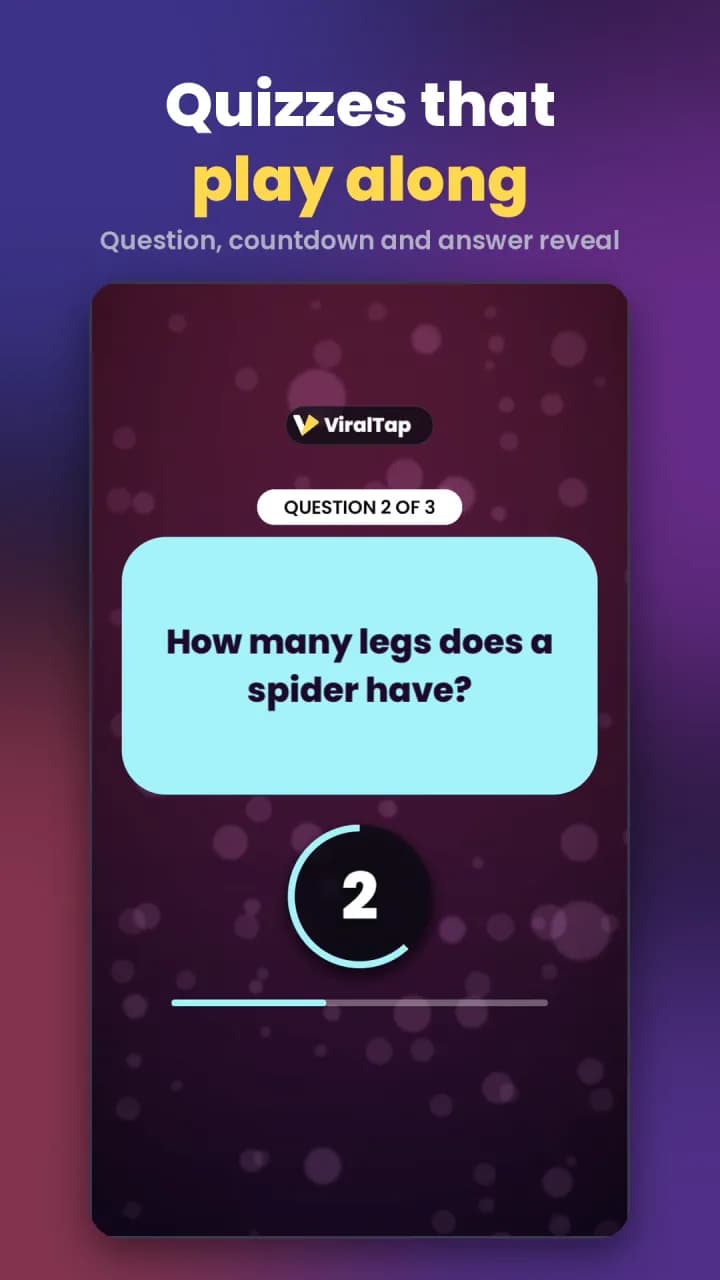
Tap an answer before the timer runs out. Look: Violet orbs.

Or pick the format yourself
Video language: English

A new look for every post

Every clip here is cut from a video the app made, so this is exactly what you get. Pick a format, pick a style, and your feed never looks copy-pasted.

formats
14
styles
133
languages
10
ready ideas
5900+

From idea to posted in three taps

No camera, no editing timeline and no blank page. Choose what kind of video you want and the app does the rest.

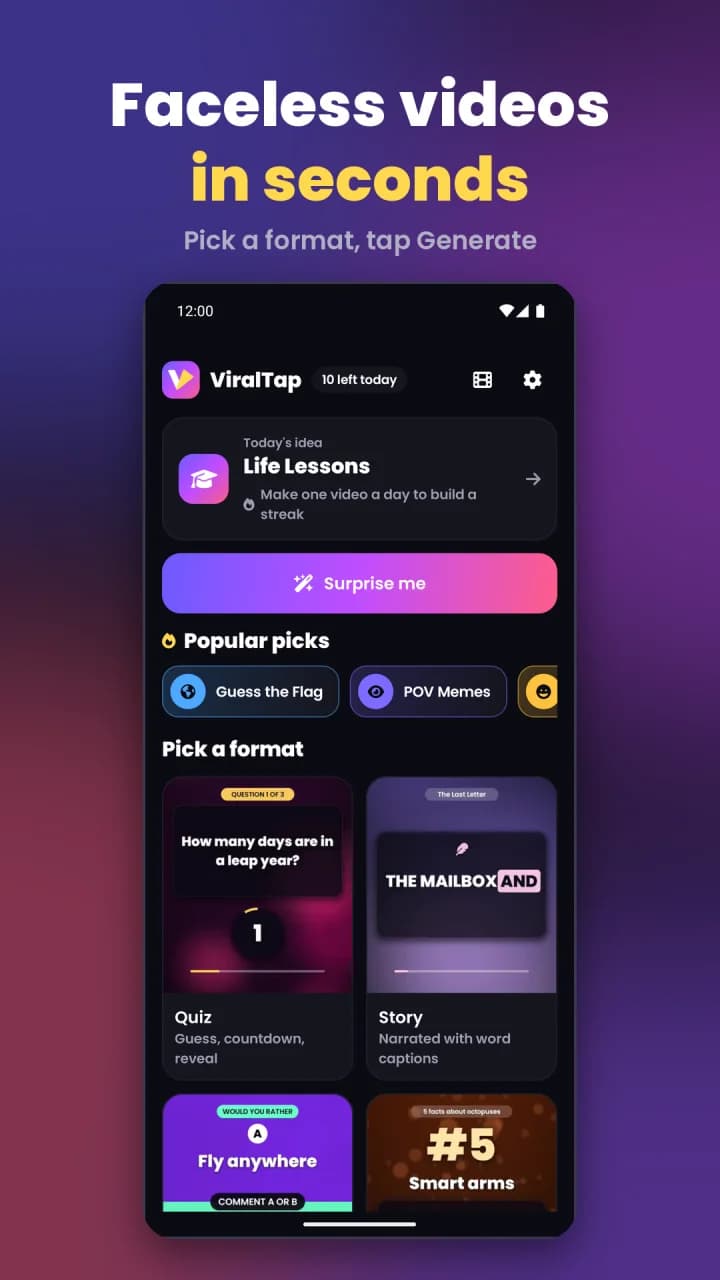
  1. Pick a format

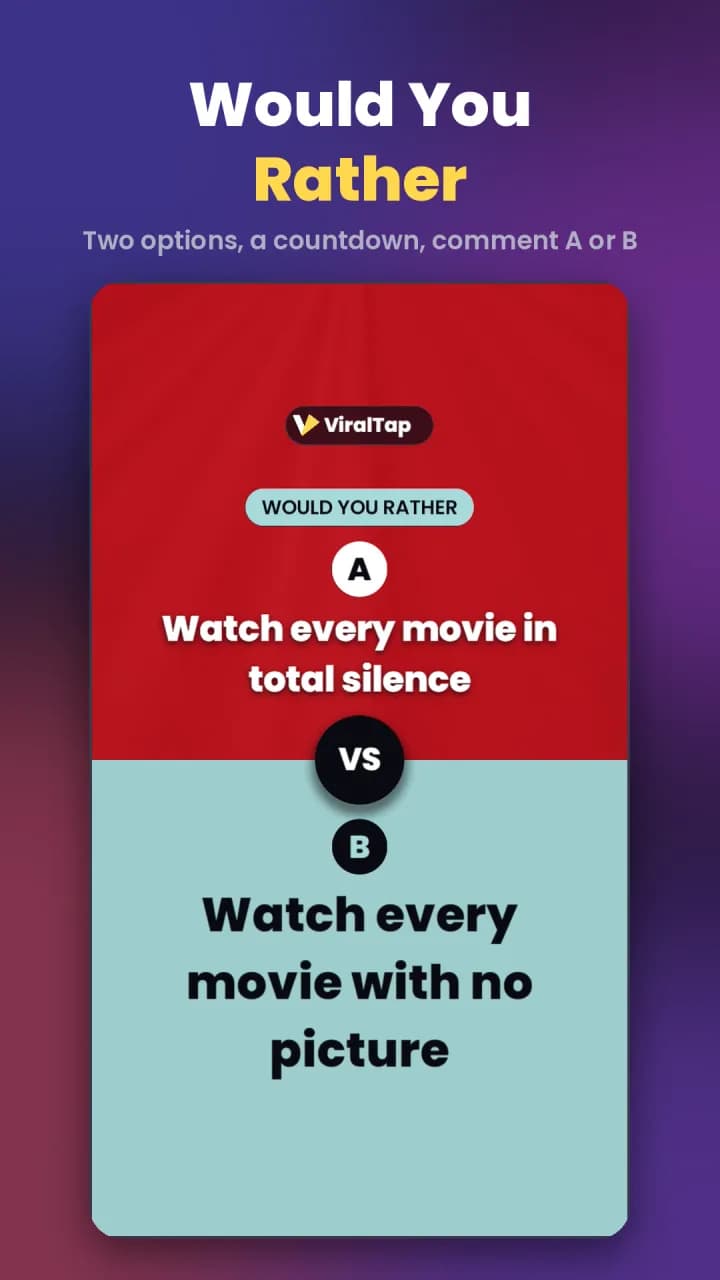
    A quiz, a story, Would You Rather, Top 5, a meme or any of the other formats, then a style and a topic. Or tap Surprise me.

    ViralTap home screen with live previews of every format
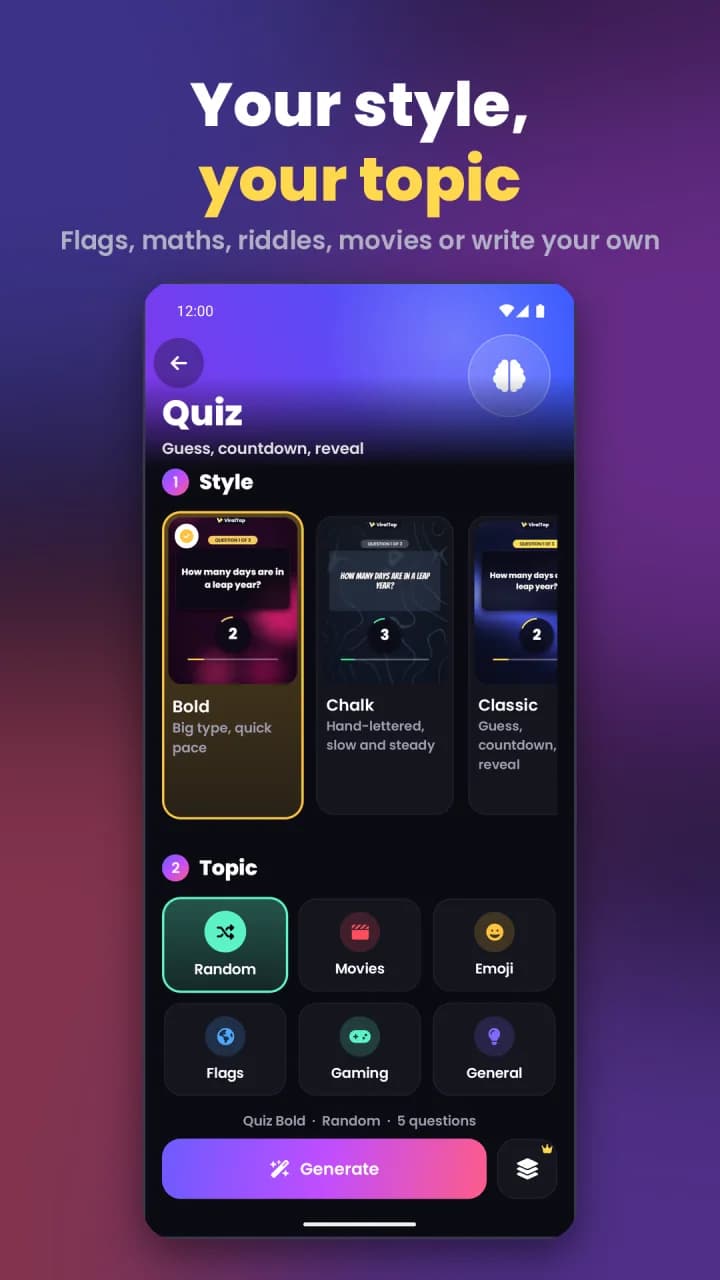
  2. Tap Generate

    ViralTap writes the scenes, reads them aloud, times the captions to each word and adds music.

    The Create screen: choose a style and a topic, then tap Generate
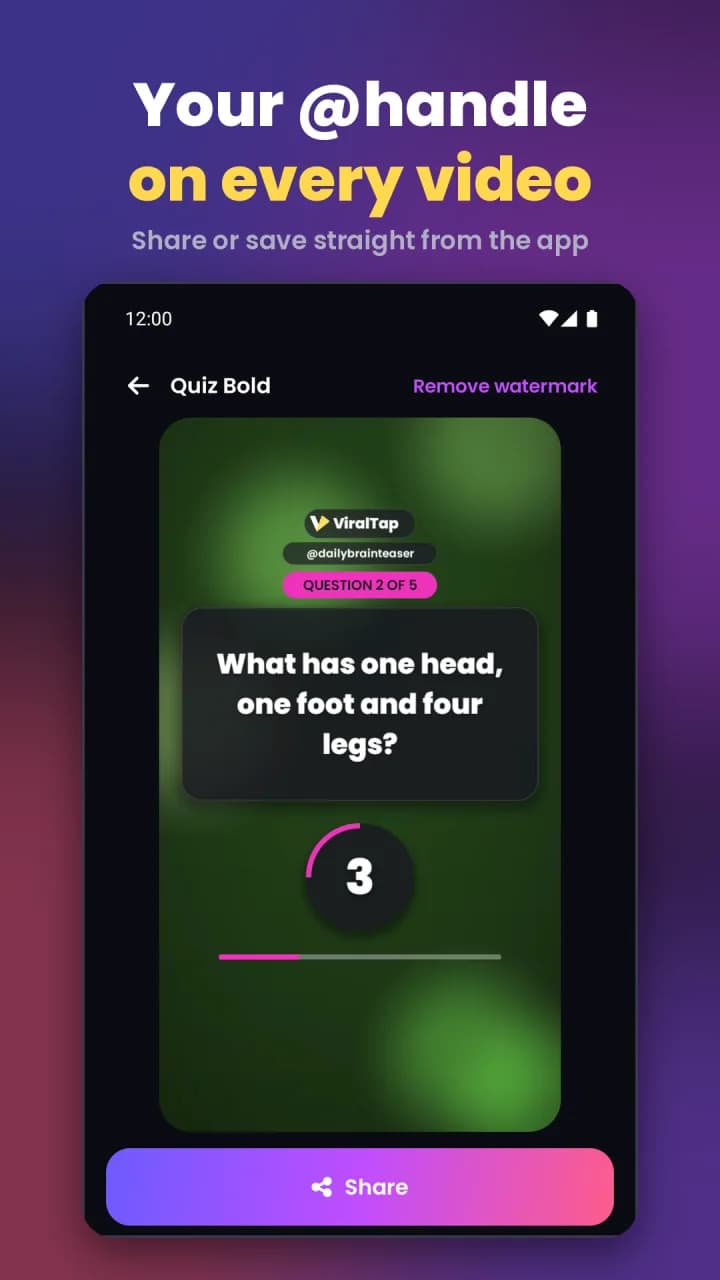
  3. Share it

    Send it to the app you post on or save it to your gallery. A caption and hashtags are already copied for you.

    A finished quiz video with a Share button

See it make a video

A real run through the app: pick a topic, tap once and get a finished video with a voice, captions and music.

Videos made with ViralTap

Every one of these was made in the app. Tap one to watch it with sound.

Post every day without burning out

Every video is vertical 9:16, short enough to be watched to the end, and finished with a voice, captions and a soundtrack.

Never start from a blank page

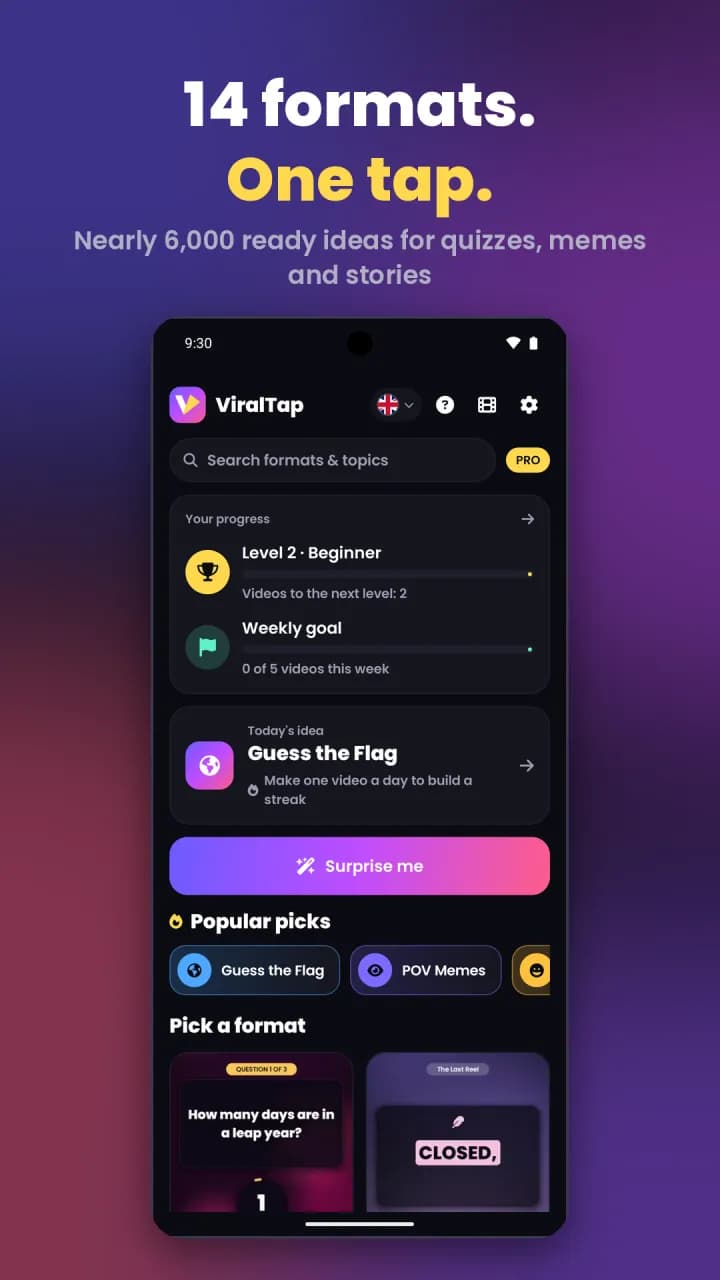
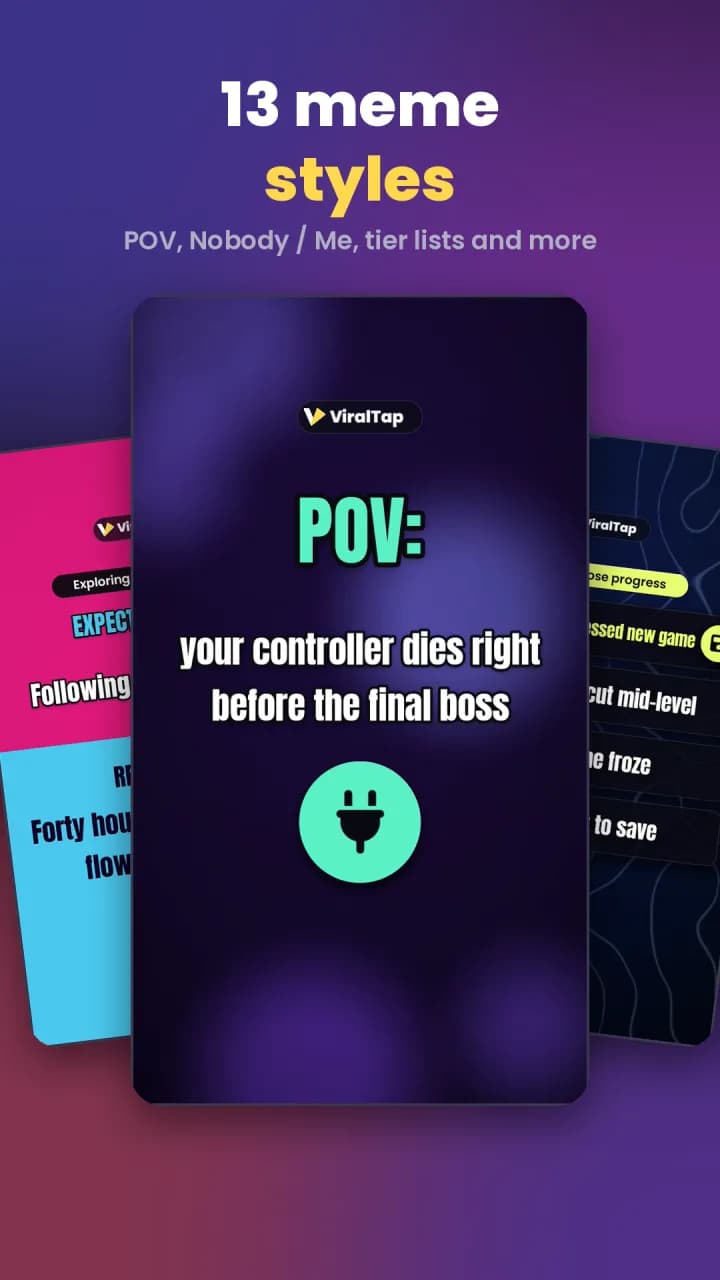
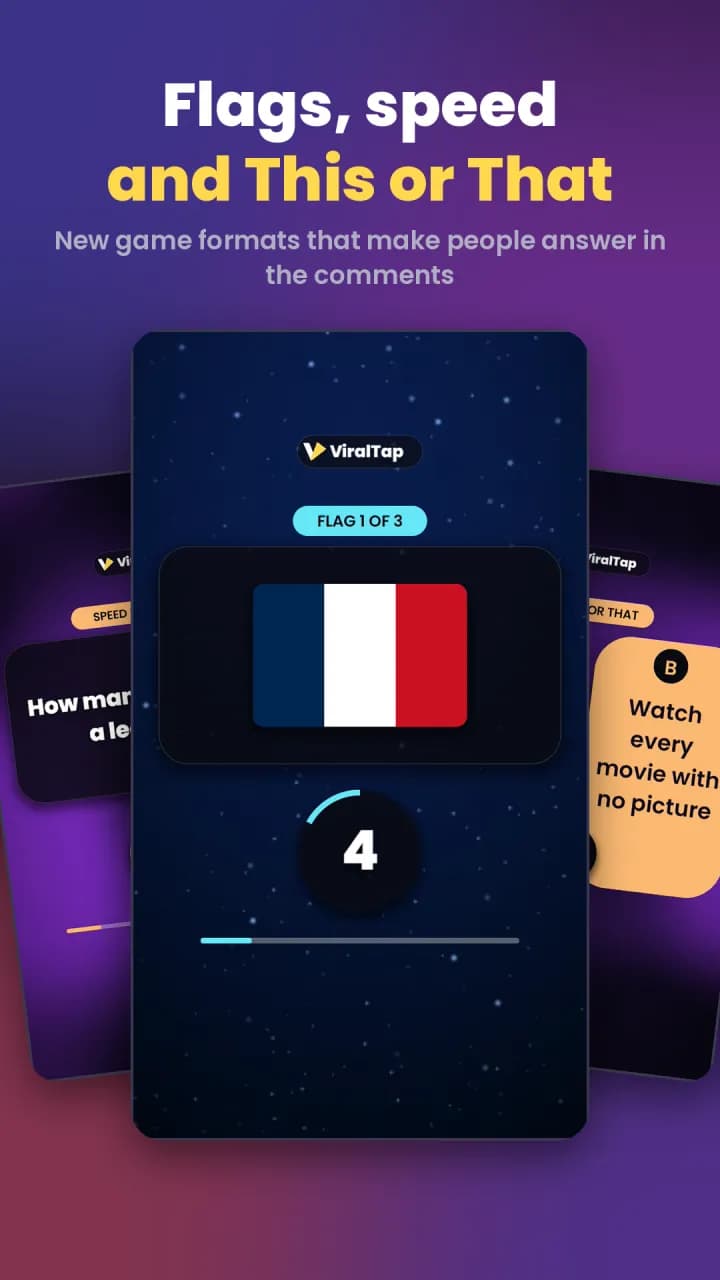
Nearly 6,000 ready ideas: trivia, riddles, emoji puzzles, flags, endless maths, short stories, polls, fact lists and original memes, on topics from gaming and movies to space and animals.

A fresh idea every day

Home suggests today's idea, and a weekly goal, levels and badges help you keep posting.

You choose the first line

The first two seconds decide whether people keep watching. Pick an opening line or write your own, and set how long viewers get to think.

Every video looks different

133 styles with moving backgrounds, plus beats and sound effects made on your phone, so every sound is free to post.

Your own words, media and name

Type your own questions or story, use a photo or video from your phone, and add your @handle to everything you make.

Part 2 and Remix

Did a video do well? Make Part 2 in the same style, or remix it with the same content and a fresh look.

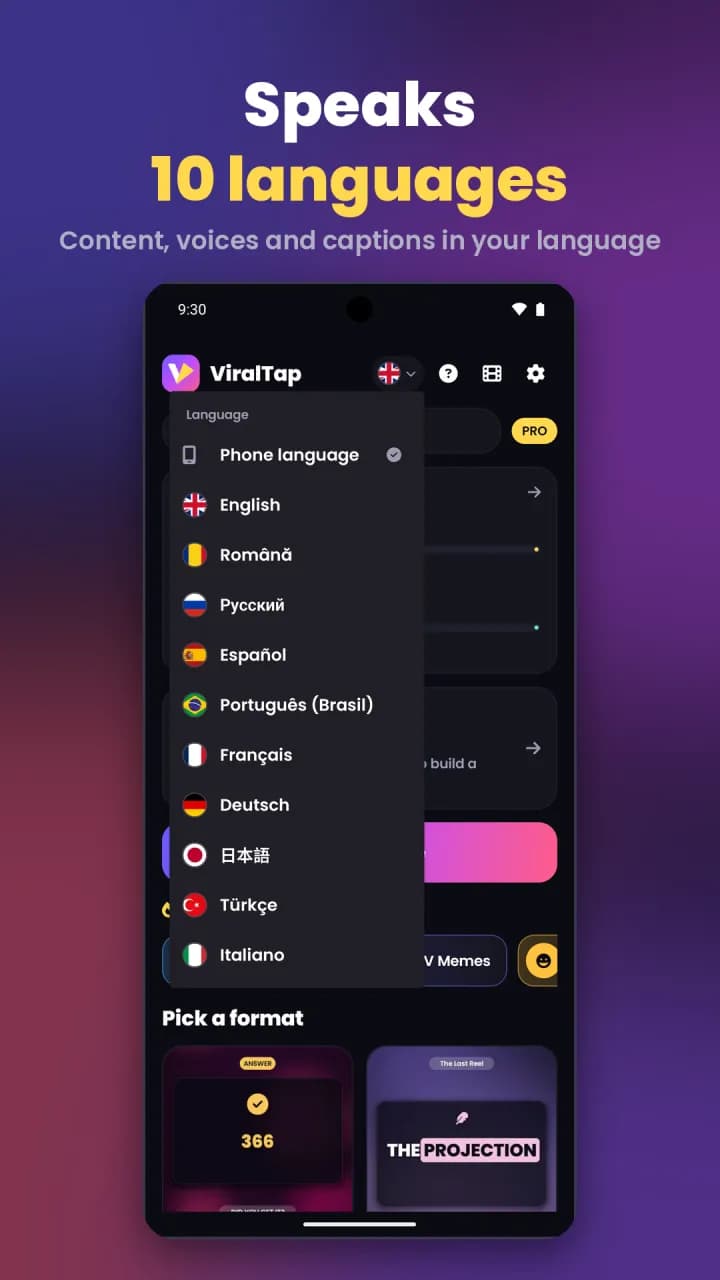
Hear it in ten languages

Pick the language of each video when you make it: the questions, the voice and the captions all follow it. Tap a language to play the demo in it.

Take a look inside

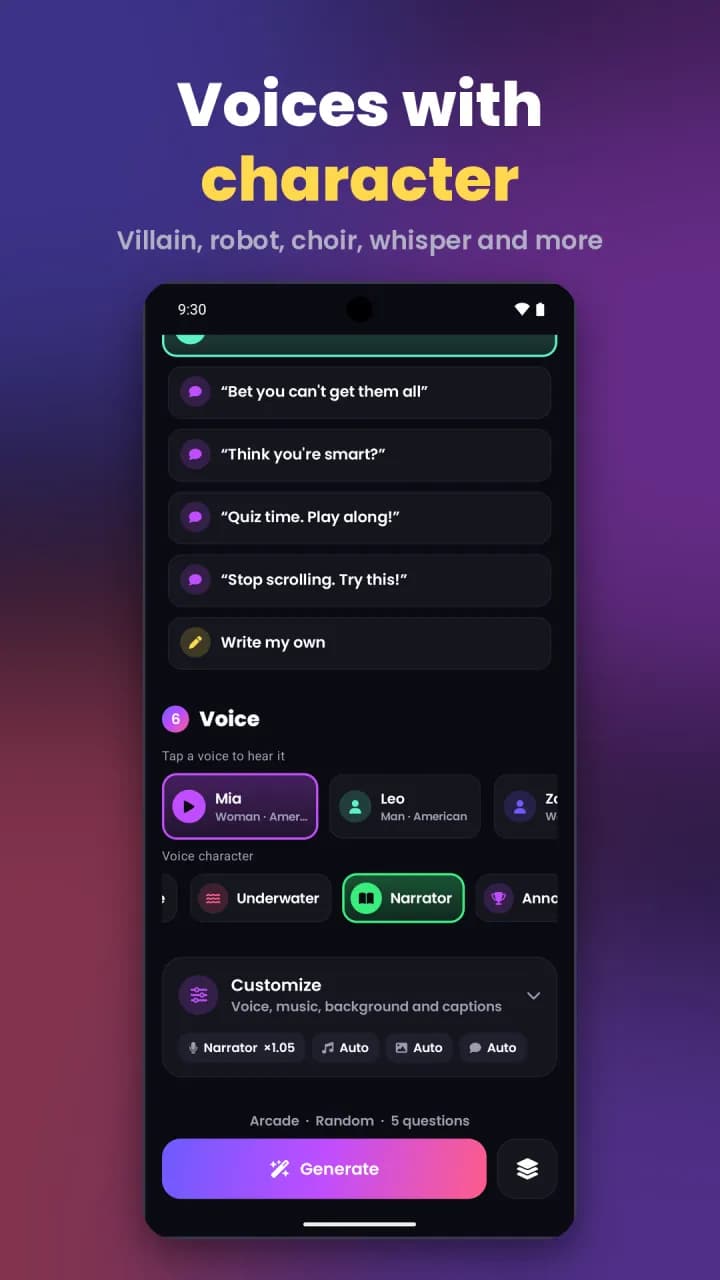
The screens you will use every day, from picking a format to choosing a voice.

Your videos never leave your phone

Your videos, text and photos stay on your phone, and there is no sign-up. Usage statistics and crash reports, which hold no name and nothing you type, help us fix the app. In Europe the app asks first, and everywhere you can switch them off in Settings.

Read the privacy policy
Videos you make
On your phone
Text you type
On your phone
Photos and videos you pick
On your phone
Voice narration
On your phone
Account details
None needed
Usage statistics
Optional

Start free. Go Pro when you post a lot.

You can make videos every day without paying. Pro is for people who post regularly and want their own brand on every video.

Free

No payment and no sign-up

  • 5 videos a day, plus one more when you share ViralTap
  • Every format
  • One video a day in any Pro style
  • A small ViralTap badge and end card on each video

ViralTap Pro

Sold through Google Play

  • Unlimited videos
  • One video in all 10 languages, in one tap
  • Long videos for YouTube, with chapters
  • Hook tester: 3 versions with different opening lines
  • Reply to comments, videos from a pasted list, and an editor with your own voice
  • Every size at once, cover images and your brand kit
  • Content calendar autopilot and seasonal packs
  • No watermark or end card, and your own logo on every video
  • All 133 styles, every voice and background
  • Full HD 1080p, on supported phones
  • Make 5 to 10 videos at once
  • Custom colours, fonts and caption looks

Billing details appear in the app and on the Google Play payment screen before you confirm. Subscriptions and refunds

Questions before you tap

More help and contact

Is ViralTap free?

Yes. You can make 5 videos a day for free, and try one Pro style every day. Free videos carry a small ViralTap badge and end card. ViralTap Pro, sold through Google Play, removes the badge and the daily limit and unlocks every style.
Do I need an account or an internet connection?

Neither. Videos are made entirely on your phone, so you can create offline as long as your phone has an offline voice installed. You only need a connection to post the video in another app.

Can I post the videos and earn from them?

Yes. You may use videos you make for personal and commercial purposes, including monetised posts. Each platform decides what it monetises, so we do not promise eligibility or income. You are responsible for any text or media you add yourself. See the Terms of Use.
Will my videos look like everyone else's?

No. With 133 styles, moving backgrounds, your own opening line, your @handle and Remix, two videos on the same topic still look different.

There is no voice, or it sounds wrong

Voices come from your phone. In the app, open Settings and tap Install or manage voices to add an offline voice. Without one, videos are made with captions and music.

How do I delete my data?

Your videos, text and settings are only on your phone and there is no account to close. Delete videos in the app, or uninstall it to remove everything. Usage statistics, if they are on, can be switched off in Settings and expire on their own.

Your next post is one tap away

ViralTap is an Android app. Install it free from Google Play and make your first video in about a minute.

Make a videoGet it onGoogle Play